

A simple and convenient cloud storage solution
MediaFire is a cloud storage and file-sharing service that provides users with a straightforward way to upload, store, and share files. With both free and paid plans, it appeals to individuals and small businesses looking for an easy way to manage files online.
Top Recommended Alternative

MediaFire is a mobile app that has over 150 million registered users. It provides up to 50 GB of free storage and an affordable 1000 GB premium plan. The application features a clean and easy-to-use interface and has a few great features. The app is particularly popular for sharing large files, thanks to its simple link-sharing feature.
Storage, performance, and accessibility
MediaFire’s free plan offers 10GB of cloud storage, which can be expanded up to 50GB through referrals and bonuses. The paid plans provide up to 1TB of space, making it a reasonable choice for users with larger storage needs. Upload and download speeds are generally fast, though free users may experience slower speeds during peak times. However, it lacks real-time backup and file synchronization.
One of the apps’ strongest features is its file-sharing system, allowing users to generate direct download links for quick access. Unlike some competitors, it does not impose strict file size limits, making it ideal for sharing large files like videos, software, and documents. Additionally, while it supports basic collaboration by enabling link sharing, it lacks the advanced team management and document editing features.
It provides basic security features, including password-protected links for Pro users. However, it does not offer end-to-end encryption, meaning stored files are not fully protected from unauthorized access. Additionally, the platform has faced criticism for not being as transparent about its data policies. Users handling sensitive data may prefer cloud services with stronger encryption and stricter privacy protections. Moreover, free users may encounter frequent ads and captchas when downloading files.
What’s new
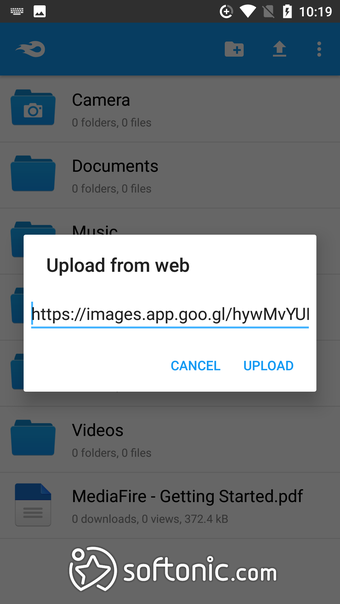
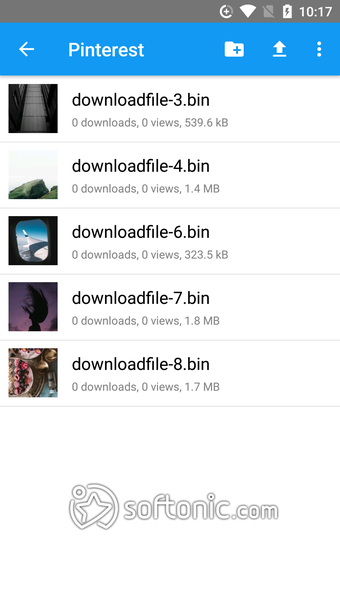
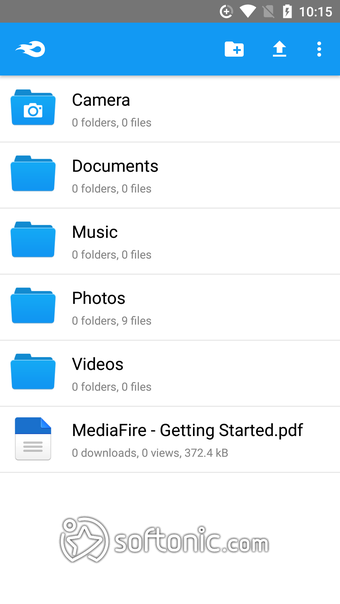
Recent updates to the Mediafire app have introduced new functions and features to improve the user experience, starting with a file manager to quickly move files around or delete them altogether. You can pretty much upload any file type you want, from media to documents and, of course, archives. To facilitate quicker transitions, it can let you open your files with another application straight from it.
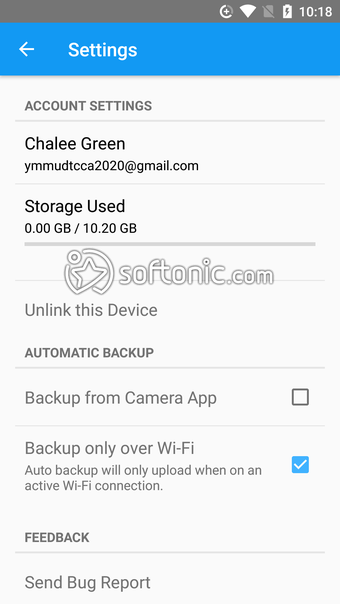
One missing and often requested feature is now finally added, and that is automatic syncing of your photos and videos. You can now easily access your media across multiple devices from anywhere. It would have been if this option also extended to other file types, but this is a good step in the right direction. Hopefully, the concerns with better security measures will be addressed next.
Should I download MediaFire?
If you’re looking for an affordable cloud storage service for Android, check out MediaFire. The application offers up to 50GB of free storage, a number much higher than what is offered by other cloud storage apps.
However, the increased storage space comes with a catch. The application doesn’t offer any preview functionality or security features. It doesn’t encrypt files that are stored on its platform, nor does it provide any encryption during file transfers. This means that your files can be downloaded and misused by any person lurking on your network.



.png)
.png)
.png)
.png)
.png)





.png)